 Cube G2 Editor
New in 0.1.3
Building Blocks
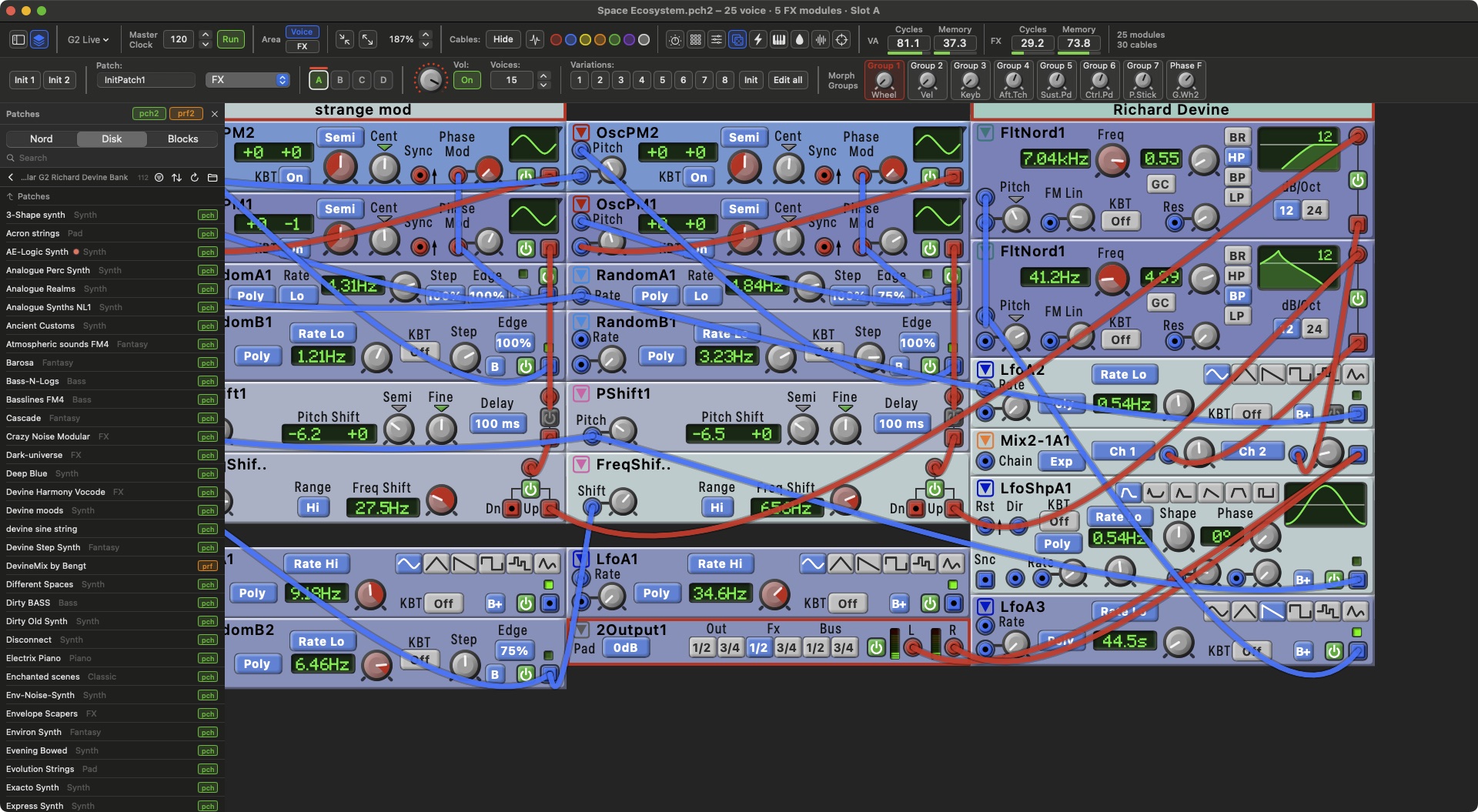
Keep your favourite patch fragments, a filter section, a sequencer, a clock, as blocks and drag them onto any patch.
- Drag and drop. Pick a block in the Blocks list and drop it on the patch. It lands selected, ready to move, and one ⌘Z takes it back.
- Everything comes along. Knob assignments, morphs, MIDI CCs and labels travel with the block.
- Save your own. Select modules and choose Save Selection as Block, or drag the selection onto the Blocks list.
- Any patch is a block. Choose a folder of
.pch2files in Settings and every patch in it becomes a block.